UPI Deposits, Andar Bahar
Upi deposits explained for andar bahar: step-by-step, with the details most guides leave out.
What Is UPI Deposits?
UPI (Unified Payments Interface) deposits let you fund your Andar Bahar account instantly using any UPI-enabled app, GPay, PhonePe, Paytm, BHIM, or your bank's own UPI app. The NPCI rail moves money directly from your linked savings or current account to your andarbaharlive.org wallet in seconds, with no card details to enter and no separate e-wallet balance to top up first.
Every UPI transaction is authorised by your personal 4- or 6-digit UPI PIN, so approval happens at the bank level before a single rupee moves. For Andar Bahar players in India, UPI deposits carry zero platform fees, a minimum deposit of ₹100, and a per-transaction ceiling of ₹1,00,000 as set by NPCI. Compared to net banking, which can take up to 30 minutes and requires OTP plus grid-card authentication, UPI settles in under 60 seconds with a single PIN. Because UPI runs on your existing bank account, there is no extra sign-up, no third-party KYC delay, and no waiting period beyond your initial verification on the site.
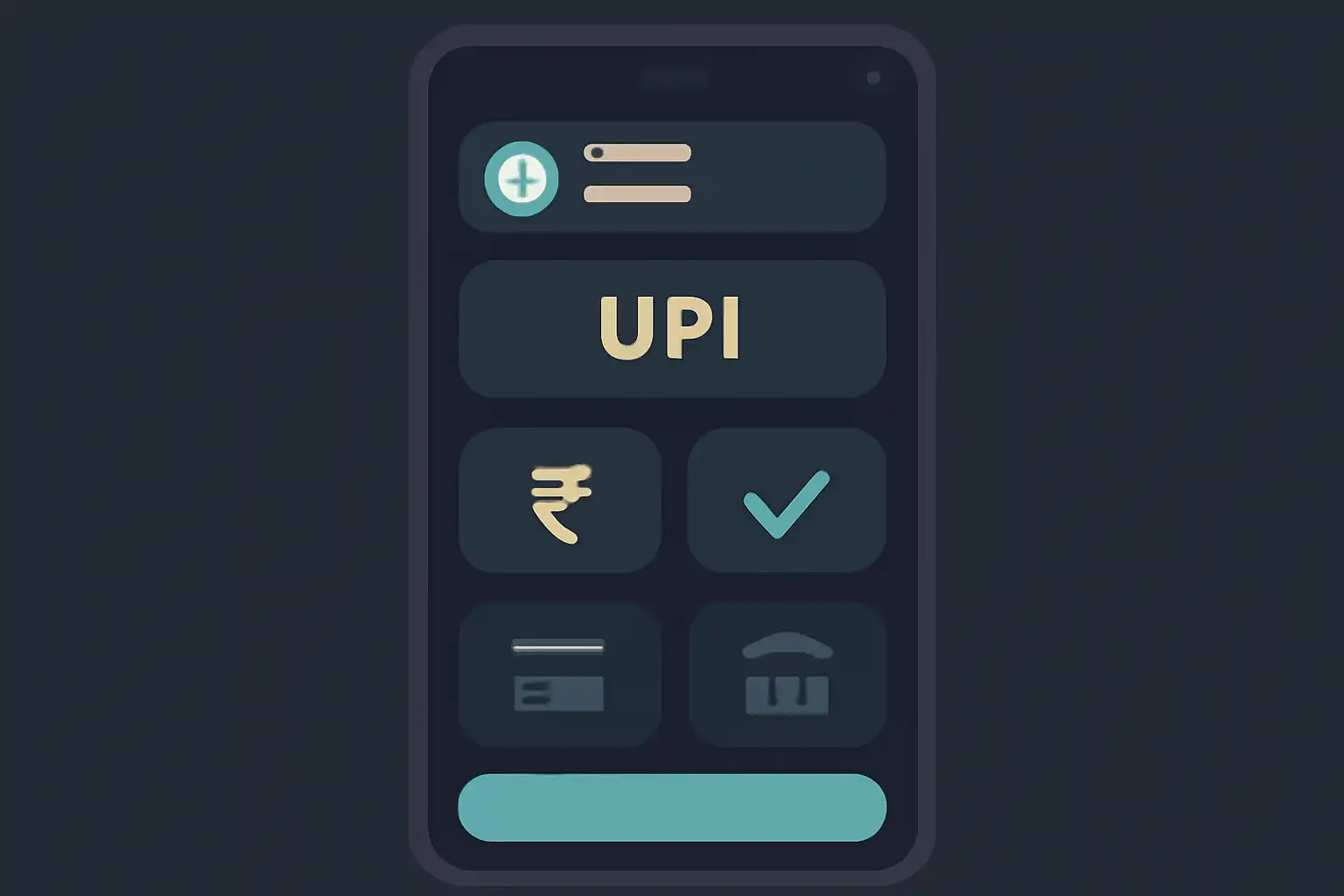
UPI Deposits Step by Step
Log in to andarbaharlive.org and click the Deposit button in the top navigation bar. On the payment method screen, select UPI, enter your deposit amount in rupees, and type your UPI VPA (for example yourname@oksbi or 9876543210@paytm). Click Pay Now to reach the secure payment page.
On the next screen, either scan the QR code with your preferred UPI app or enter the merchant VPA manually under Send Money inside your app. Confirm the exact amount shown on both screens match, then enter your UPI PIN to authenticate. Do not close the browser tab or switch the app to the background until you see the green success confirmation. Return to andarbaharlive.org, your wallet balance typically updates within 30 to 60 seconds, and an SMS from your bank confirms the debit.
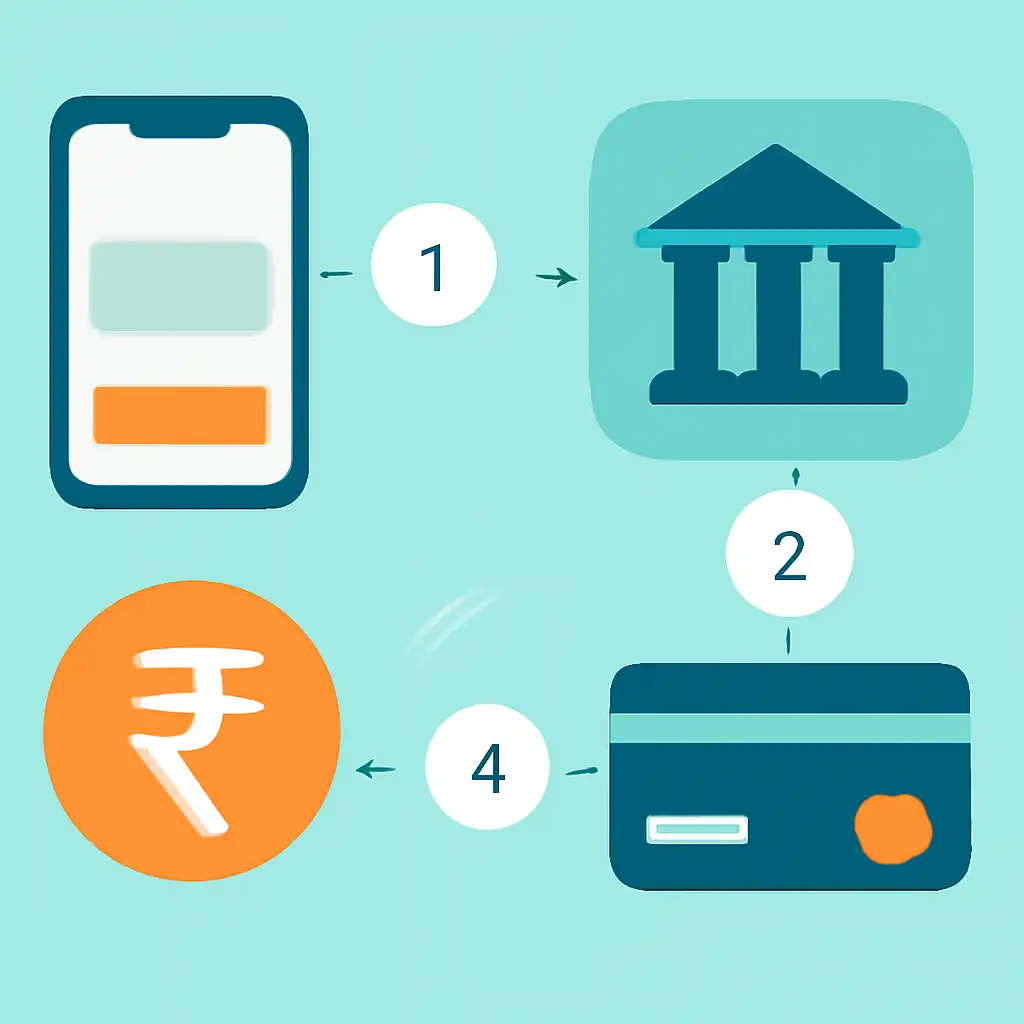
If the balance does not appear after five minutes, tap Check Status on the deposit page before raising a support ticket, as most pending transactions resolve automatically within that window.
UPI Deposits on Mobile
The entire UPI deposit flow on andarbaharlive.org is optimised for mobile browsers. Open the site in Chrome or Safari on your Android or iOS device, log in, and navigate to Deposit → UPI. When you reach the payment page and tap the QR code option, most Android phones running GPay or PhonePe will display an automatic app-selector prompt, no manual app-switching required.
On iPhone, tap Pay with UPI ID, copy the merchant VPA, switch to your UPI app, paste the address, enter the rupee amount, and confirm with your PIN. PhonePe and GPay deep-links on the payment page launch the correct app directly and pre-fill the amount, reducing the process to a single PIN entry. Keep your UPI app updated to its latest version so deep-link redirects work without error, and avoid initiating payment while toggling flight mode or mid-call, as a dropped connection during PIN entry can leave a transaction in a pending state requiring manual follow-up.